 Iced
IcedAudioFinder
The audio library and production base station Mac producers relied on from 2003 to 2026. It is still here, and it still works. It is no longer for sale: its successor is AudioCortex 2, and if you bought AudioFinder in 2020 or later, AudioCortex 2 is yours free.
Your existing code keeps working · not sold any more · free on request for AudioCortex 2 owners
Questions about AudioFinder? Write to support@icedaudio.com.
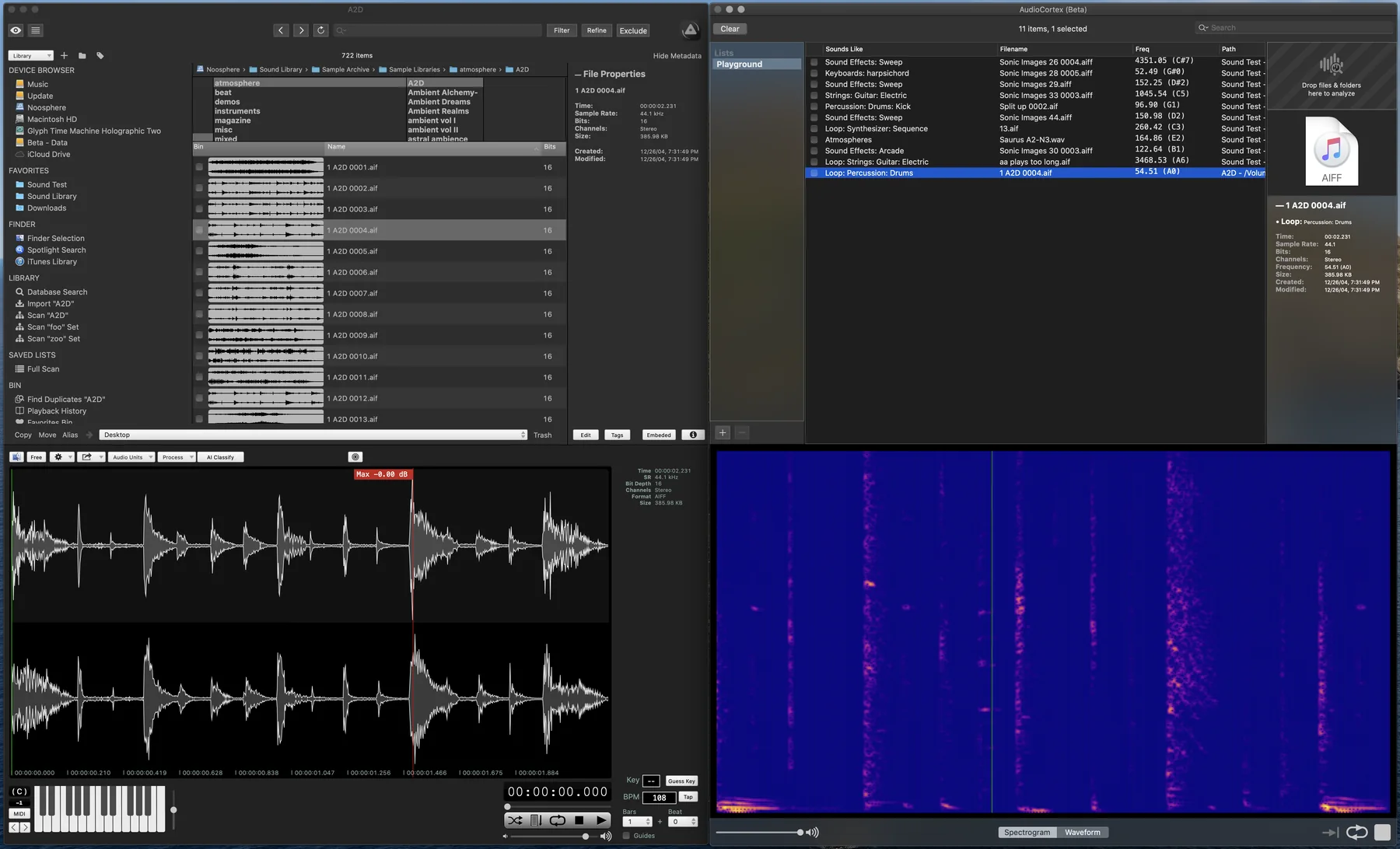
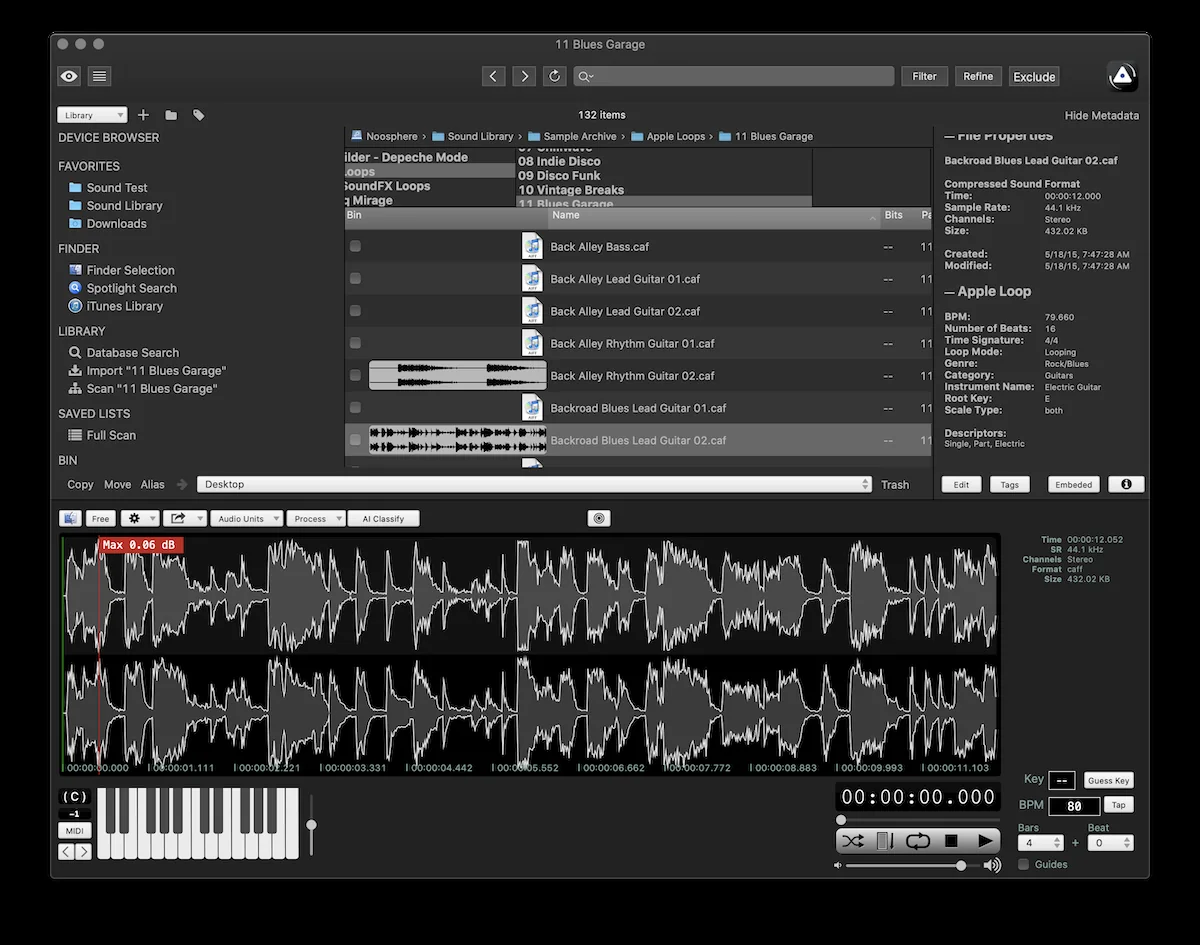
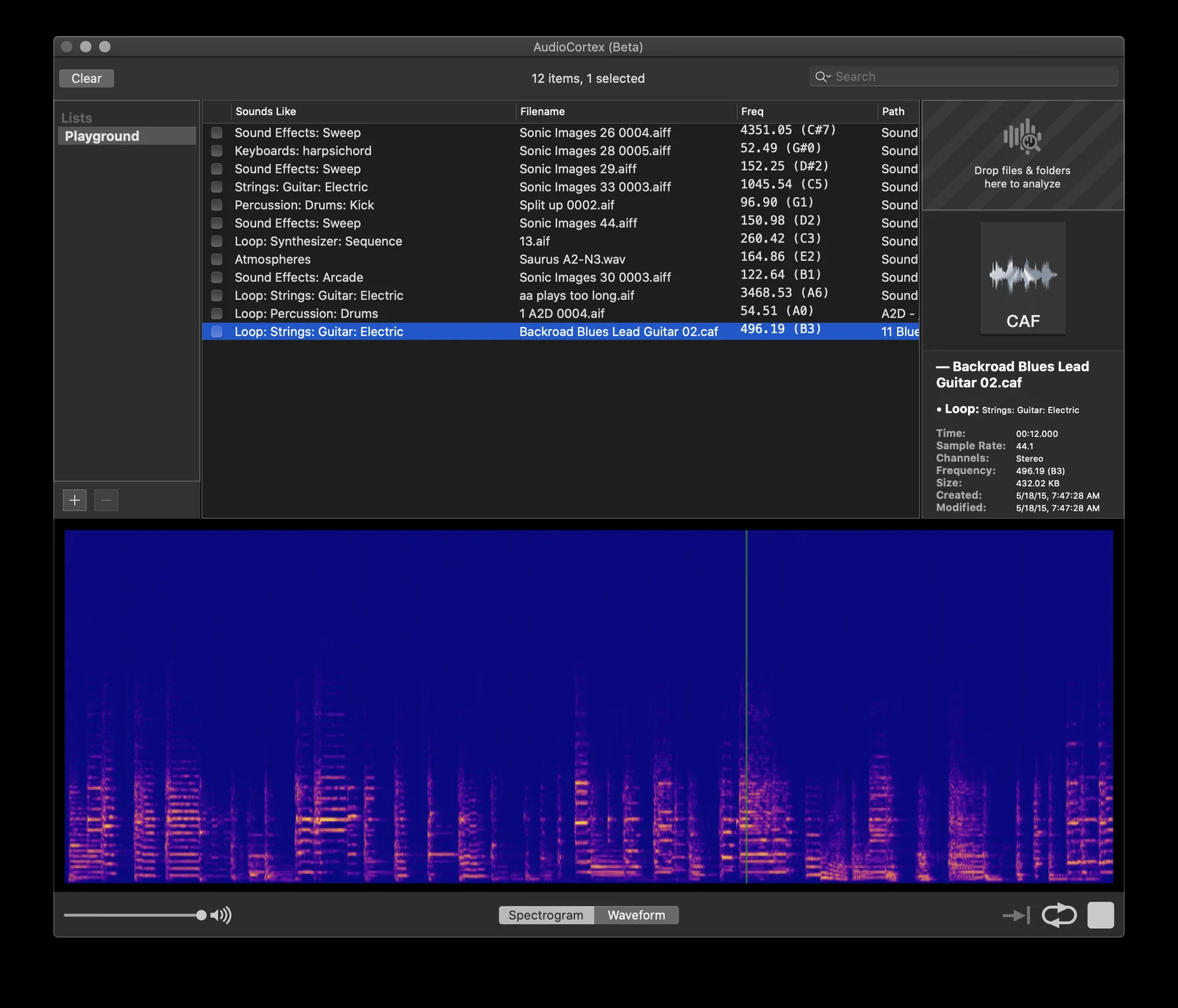
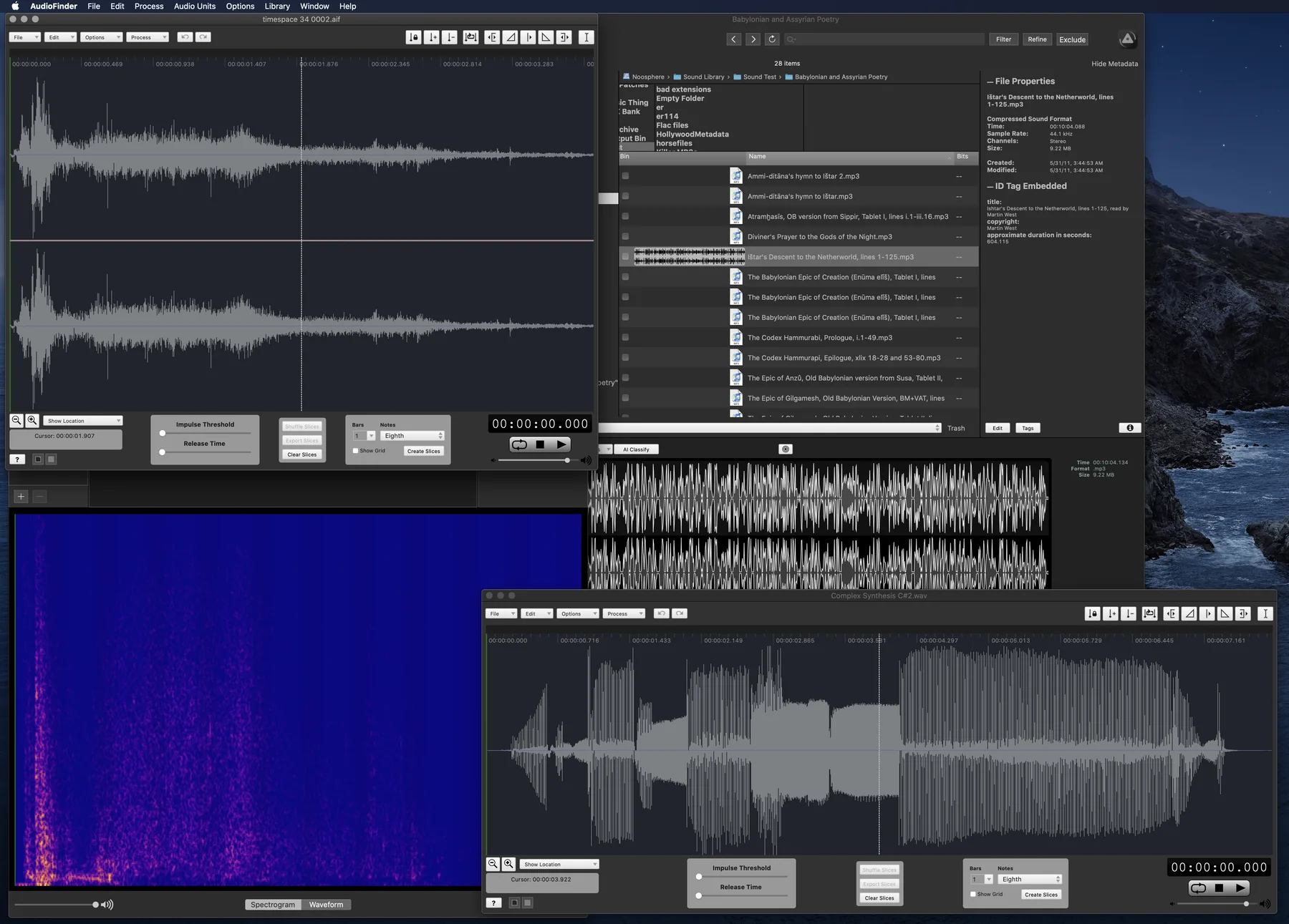

Why AudioCortex is a new app, not AudioFinder 7
AudioFinder was built over twenty years, for Intel Macs that Apple no longer makes. Since then Apple has replaced almost everything underneath it: QuickTime is gone, Macs run on Apple’s own chips, and macOS now asks permission for nearly everything an app does with your files and other apps.
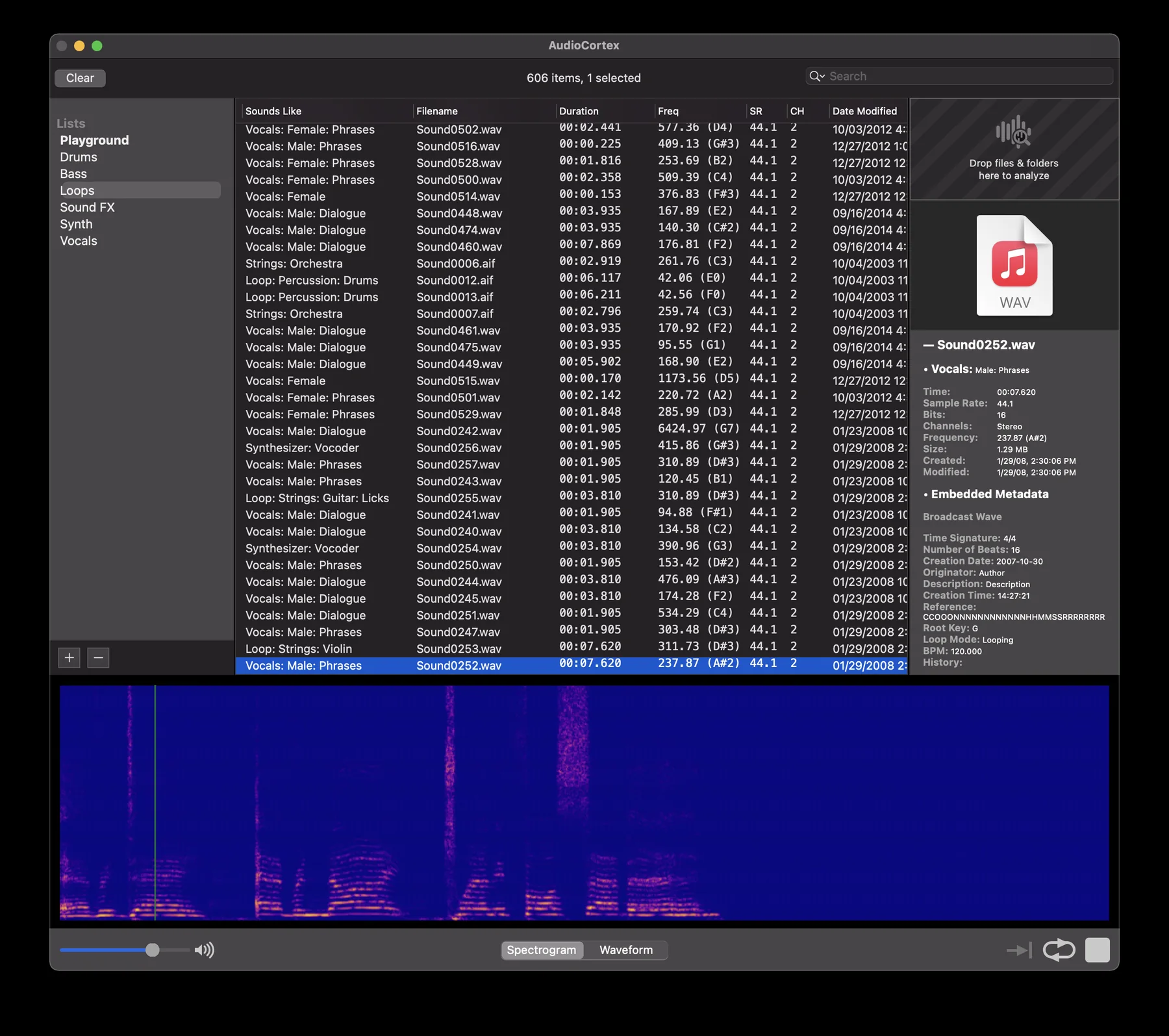
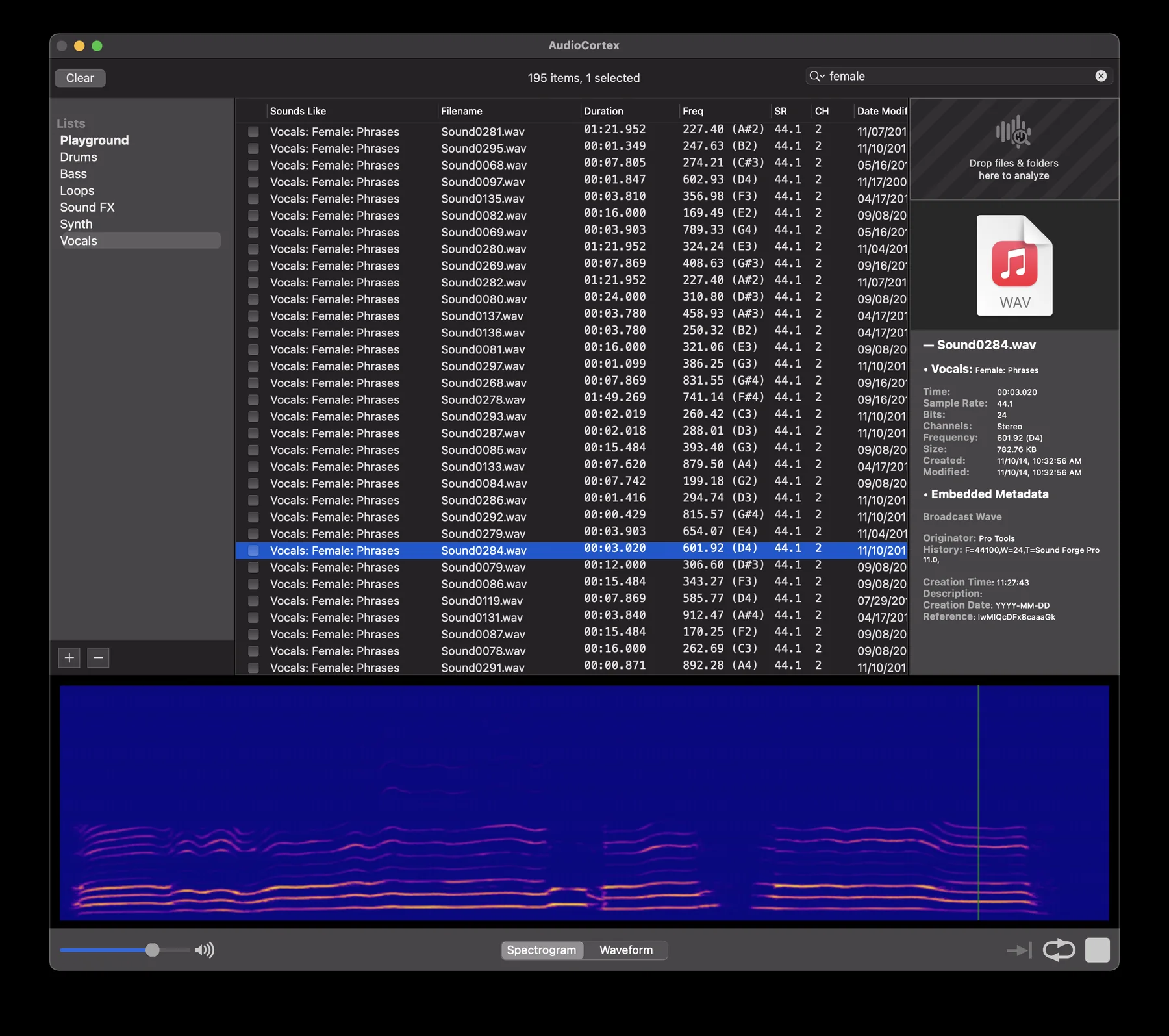
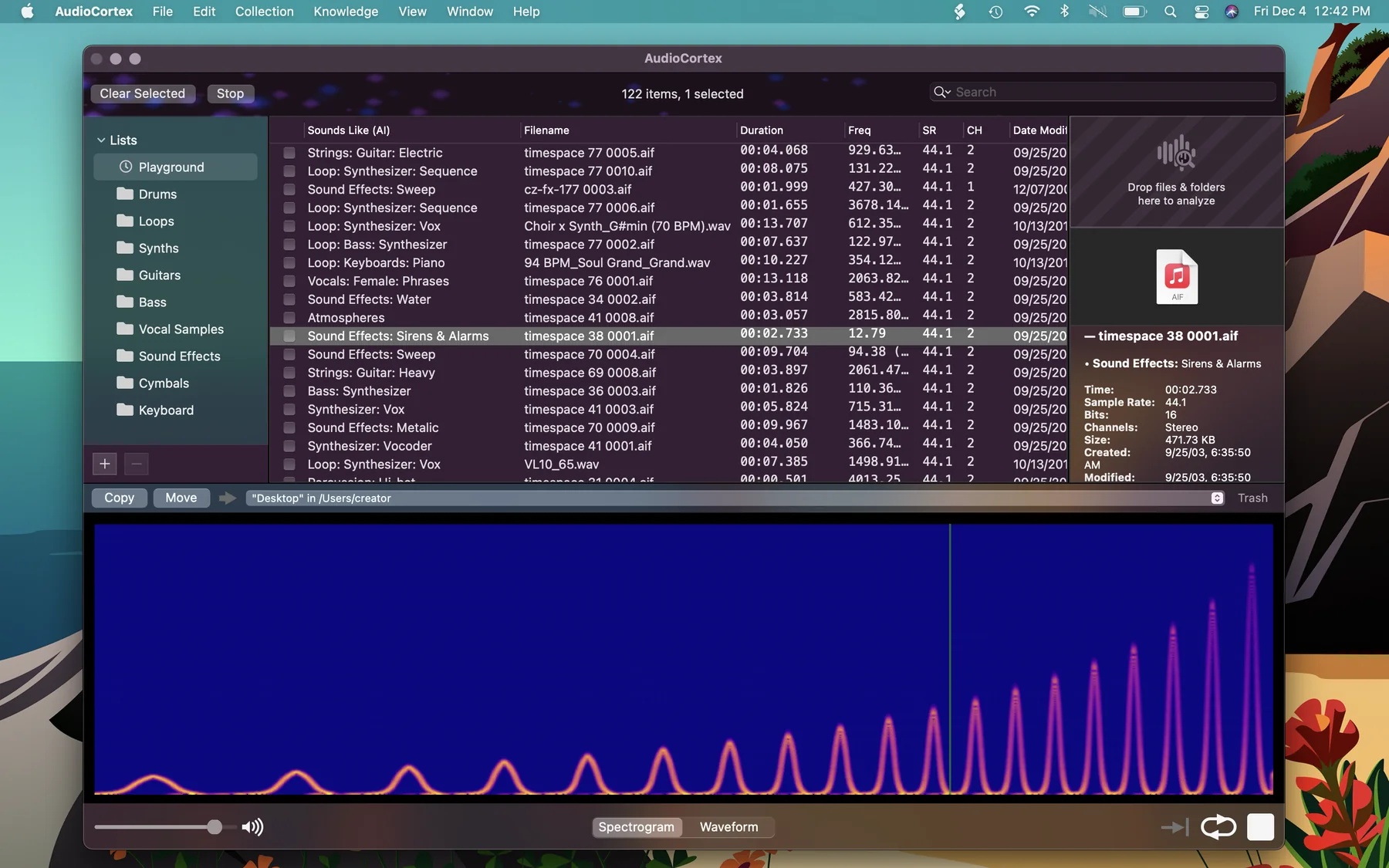
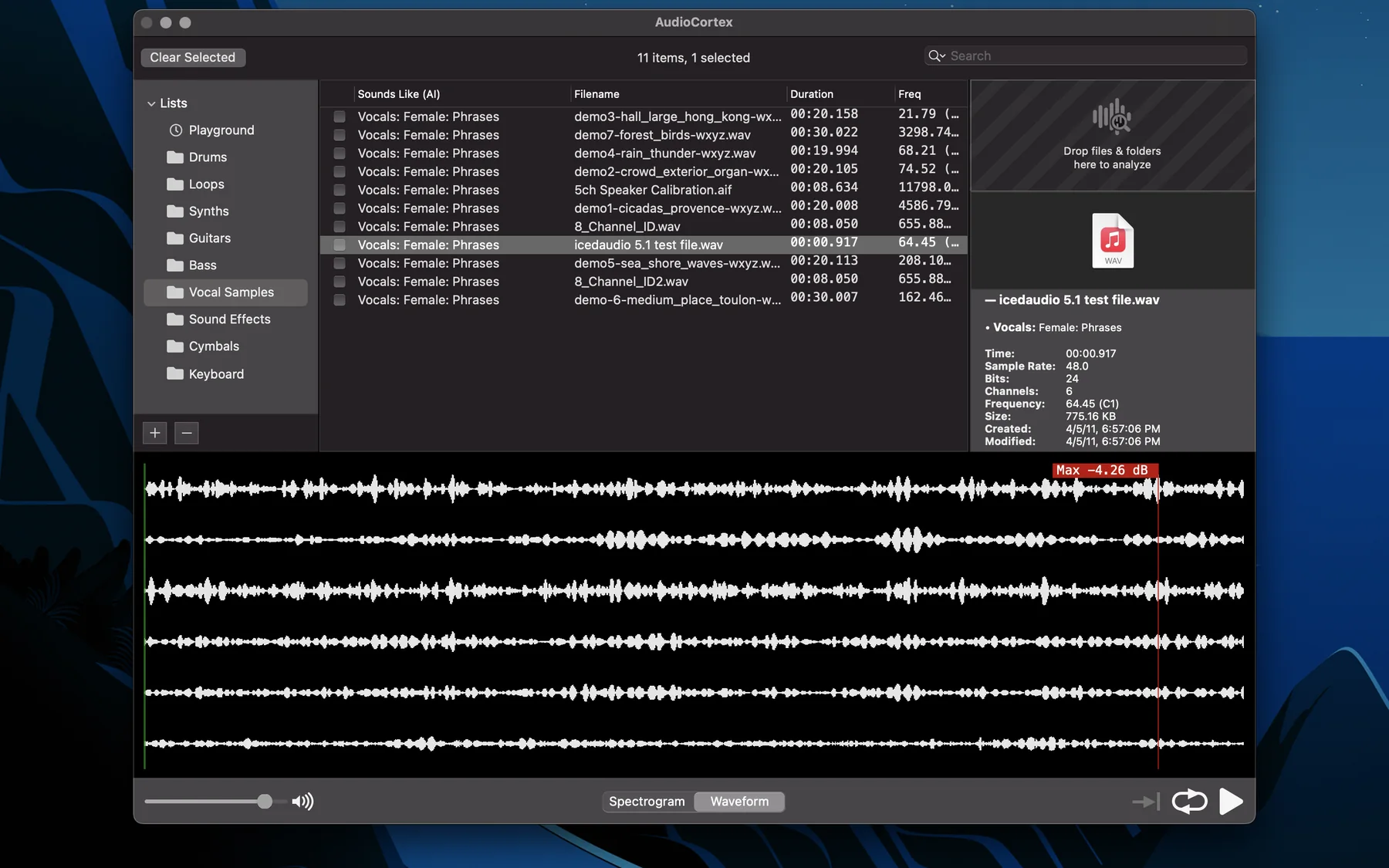
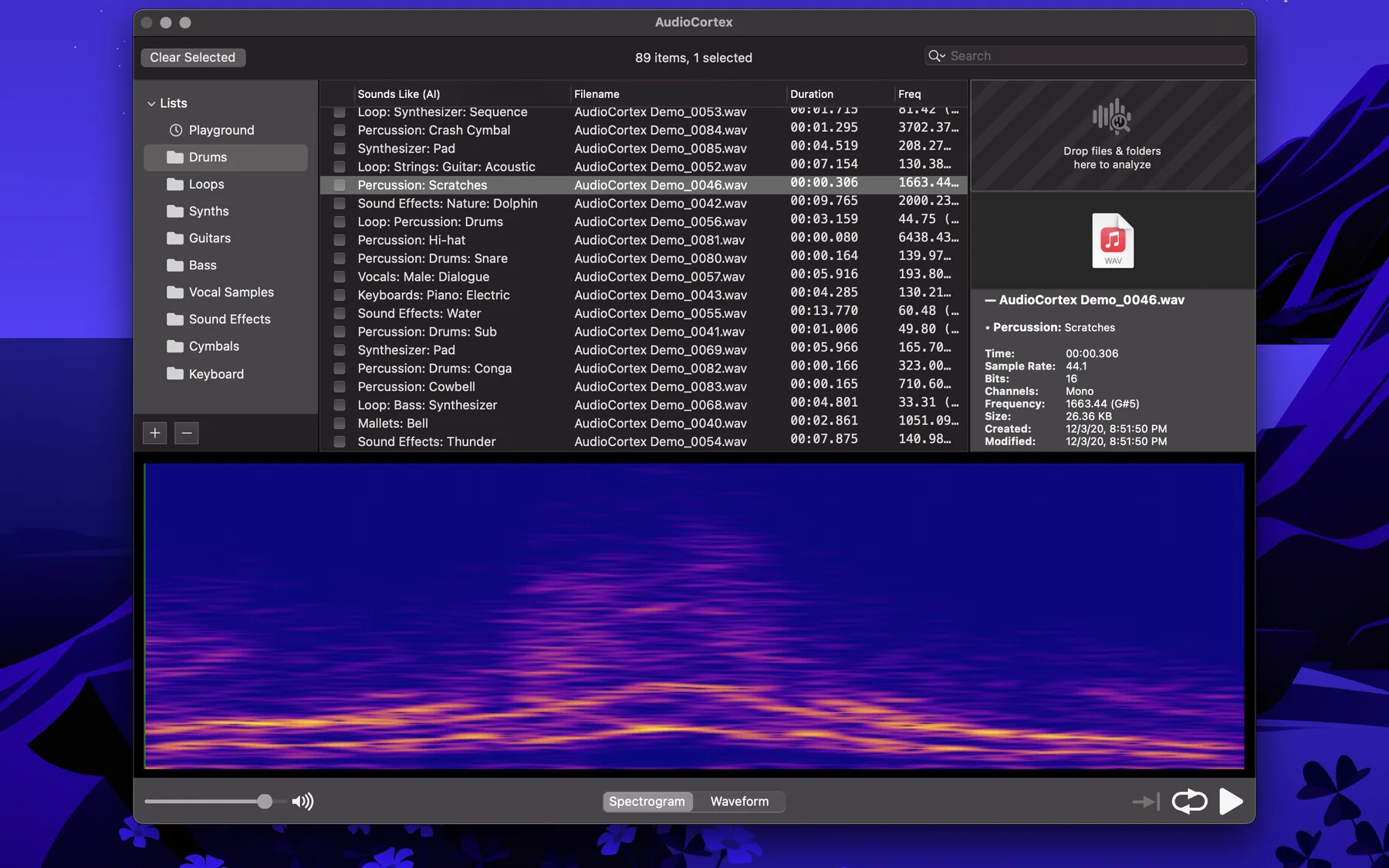
Rebuilding AudioFinder exactly as it was would have meant rebuilding a twenty-year-old design on foundations that keep shifting under it. So we started fresh. AudioCortex keeps what AudioFinder did best: browsing, previewing, tagging and finding your sounds fast. It’s built natively for Apple Silicon and today’s macOS, with room to grow: instruments, an editor, tracks, and Oscilla, the cybernetic assistant.
Miss SynchroFinder? Since 2.5 Beta 24, AudioCortex 2 has Finder Selection (Window ▸ Finder Selection): select sounds in the Finder and it plays them as you go, under the same licence.
AudioFinder Classic is still here for anyone who wants it, and existing licences keep working.
New in 6.0.9
The preview keyboard’s white keys take every click again on Retina screens.
Since 6.0.8, the old 2021 AudioCortex that was built into AudioFinder is gone: its menu and toolbar button now say “Open in AudioCortex 2” and open the real one. The browser and file list show your files again on today’s macOS, AudioFinder asks before examining your Audio Unit plug-ins at launch, drives show their own names, and launch no longer stalls when a Time Machine or network drive is connected.
On 6.0.7 or 6.0.8? Check for Updates offers 6.0.9. On 6.0.6? Download it here: 6.0.6 can’t verify this update on its own.
Already own it?
Keep using it. Authorize it with your code as before (AudioFinder ▸ Authorize…). Lost the code? Re-send it to the address you bought with on the purchase page.
Bought in 2020 or later?
Download AudioCortex 2, open its activation window and paste your AudioFinder code. It becomes an AudioCortex 2 licence on the spot — nothing to buy.
Bought before 2020?
Thank you for the years. AudioFinder stays yours; AudioCortex 2 is $99 during the beta, the same intro price as for everyone.
Own AudioCortex 2?
You can have AudioFinder too, free. Write to support@icedaudio.com with your AudioCortex 2 code and we'll send you an AudioFinder code.

Groundbreaking Mac Finder integration

Sophisticated metadata database with notes for keeping track of things

Integrated Audio Editor — trim/loop/fade with beat slicer

Browser, bookmarks, history, favorites and navigation tools

Apple Loop, BWF and ACID Wav metadata display, multi-channel playback and display

Formats: Apple Loops, CAF, AIFF, AIFC, SDII, BWF, WAV, REX, RX2, MP3, AAC, M4A, SYX, MID, FLAC, OGG Vorbis

Peak analysis, pitch analyzer, Micro-Harmonic Sound Compare, find duplicate sounds by analyzing content
Reviews
“With pitch detection, BPM calculation and MIDI triggering too, AudioFinder is the missing link in your audio-production chain.”
— Macworld UK
“This is a superb program that stands out as an essential purchase for Mac musos.”
— Computer Music Magazine
“We had some fine choices this year, but when the dust settled, the nod went to Iced Audio's AudioFinder, a Mac OS X jack-of-all-trades utility that takes the grind out of managing your audio files. AudioFinder automates and simplifies so many tedious tasks, it's hard to know where to start.”
— Electronic Musician Magazine
“AudioFinder has been my right-hand man (on my right-hand monitor) for every film and television series that I've scored over the last 10 years. It has the speed, the tools, the look, and flow that a professional music app should have. My sounds would be lost in a sea of digital entropy without it.”
— Greg Tripi · greg-tripi.com
Ambassadors
AudioFinder was used in pro studios, film and TV scoring suites, game audio shops and sound design houses around the world.
- The Glitch Mob
- Richard Devine
- Groove Quantize
- Andy Martin · sound designer
- Fork Media · film post-production sound studio, Hong Kong
- Paul Haslinger
- Len Sasso
- ScrewMaker Music
- Jafbox Sound
- Surround SFX
- Mark Hessburg
- Combovaria · music production & sound design
- Watkins Film School · Scott W. Hallgren (composer/sound editor)
- BT · Brian Transeau
- Damian Candusso · The Lego Movie
- Johnnyrandom · BBC, NPR, Wired, Apogee, Boing Boing
- SoundBits · sound design / SoundFX
- Loris "Kooza" Venegoni · producer (Milan, CPM)
- Smart Post Sound · Matthew Kallen
- Clinton Bradley · Nine Inch Nails programmer, FreqMachine
- Greg Tripi · film & TV composer