 Iced
Iced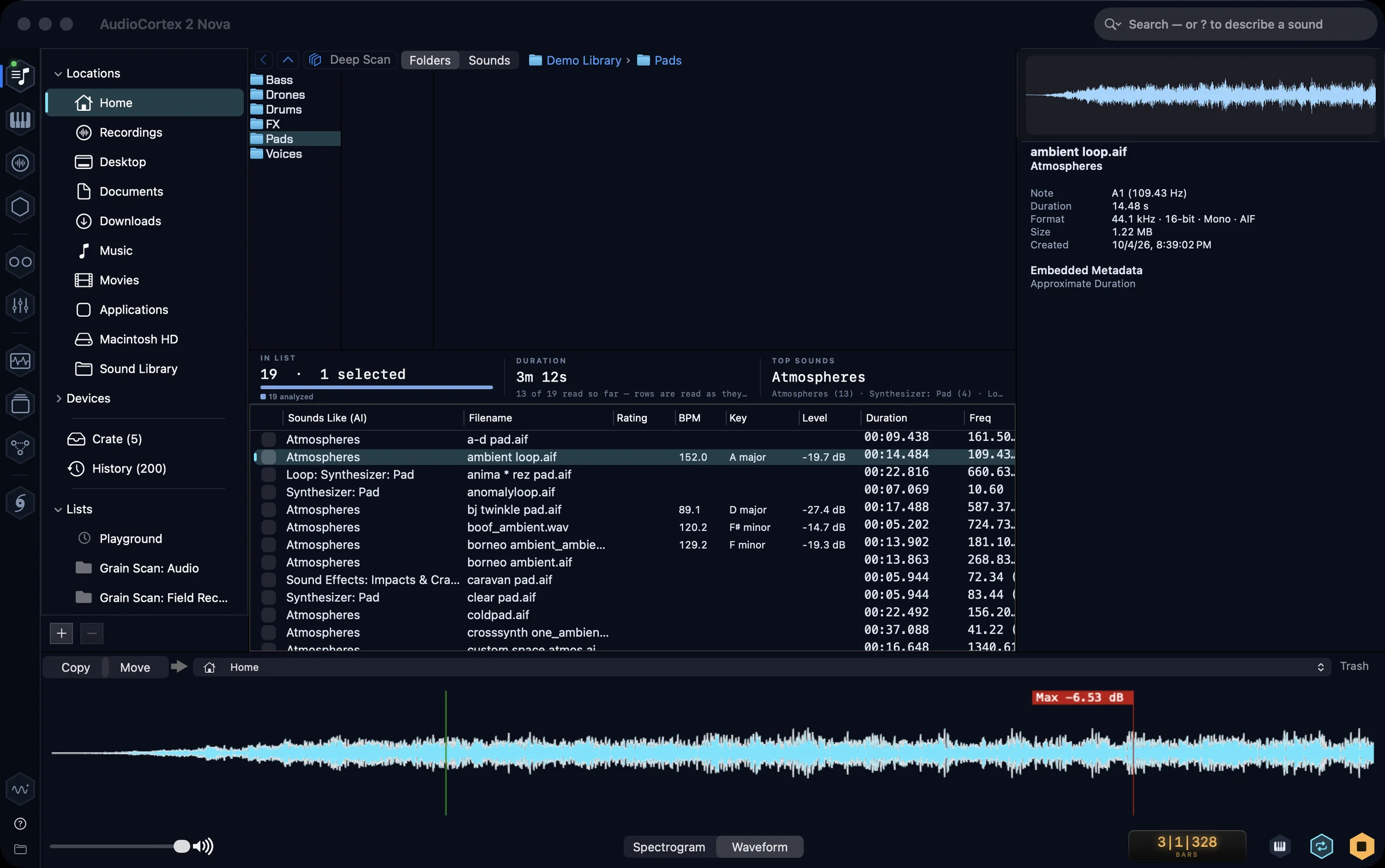
Start here: what AudioCortex is, and how to find your way around
New to AudioCortex 2? What it is, how to install and activate it, how to get around, what each room does, and where to get more help. As of 2.5 Beta 46.
Longer write-ups about AudioCortex 2: how the rooms work, what each beta changed. Every note is dated and says which build it describes, because during the beta things change week to week.
New to AudioCortex 2? What it is, how to install and activate it, how to get around, what each room does, and where to get more help. As of 2.5 Beta 46.
Start with a preset or wire a few cards into a patch. Turn a sample into a phrase, a grain cloud or an Amiga voice, then render the result.
Pair your phone with AudioCortex to control Tracks and leave notes for Oscilla. Sing a melody into the phone and your Mac writes it down as notes.
Analyze your sounds, describe what you want, and search across your library. Use the scopes to look more closely at what you hear.
Use separate stems in Tracks to add synthesized bass, drum, hook and pad parts that follow the material. Check the sources, choose the parts, then mix the new lanes.
Music apps have never needed version control. One where a cybernetic assistant works beside you does. Here is how every AudioCortex song keeps its own past: checkpoints, moments, an honest history, and an assistant that asks first.
AudioCortex 2 is one window with eleven rooms: places to find material, play it, build with it and watch it. Here is what each room is for and what it does, as of 2.5 Beta 12.