 Iced
IcedTutorials
Watch
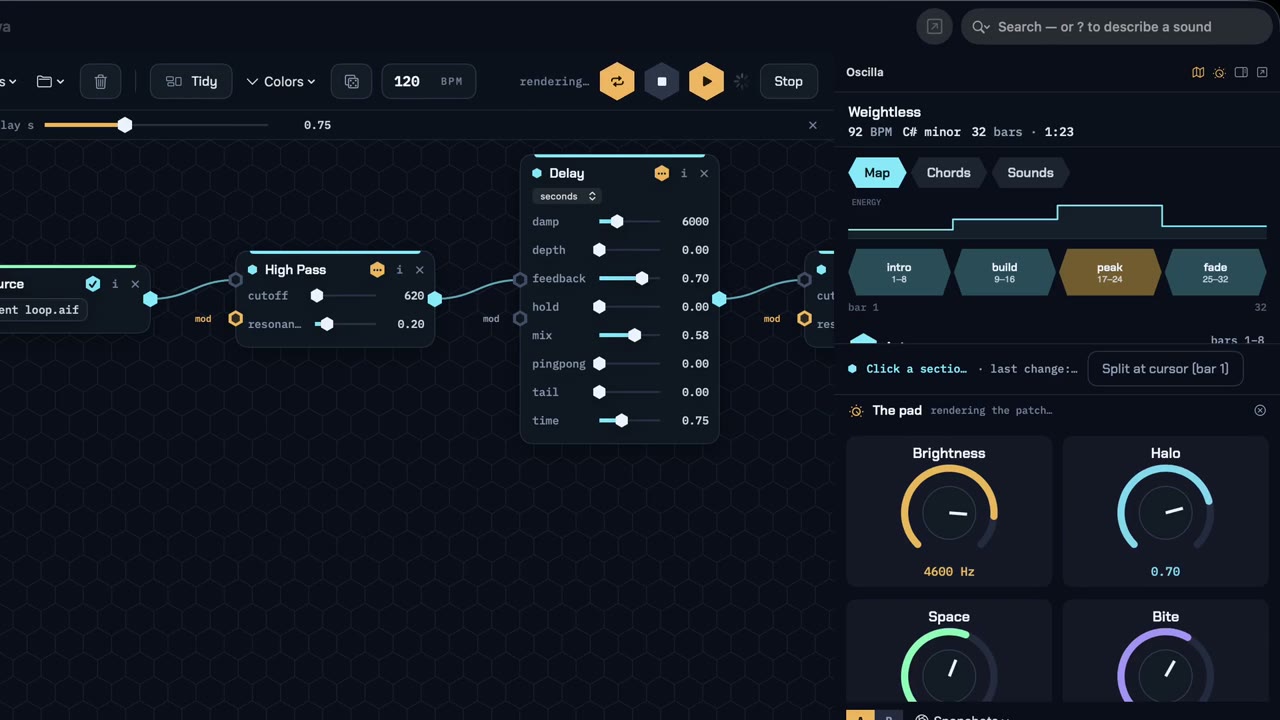 1:45 Making music with an agent You are the producer, your agent is the engineer: the Song Map, big knobs, three options, notes on the music, and “lock it”.
 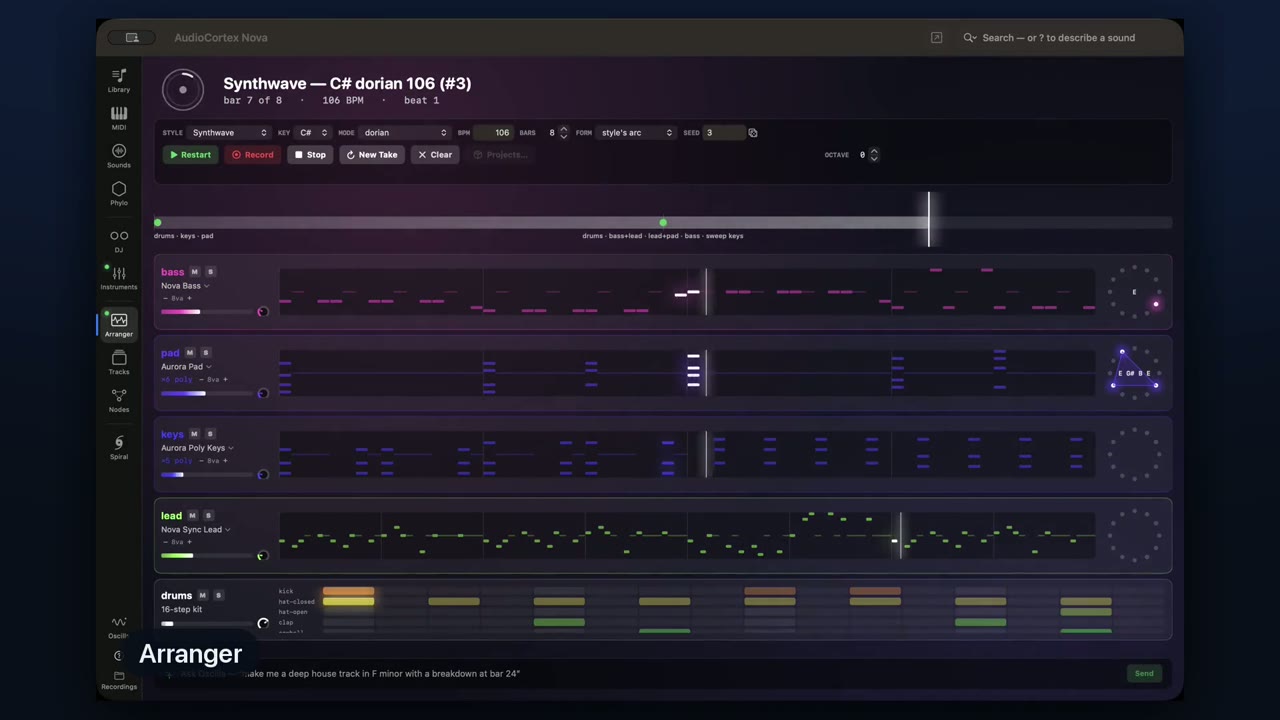 1:07 AudioCortex 2 in 60 seconds The sound library that listens: a quick look around AudioCortex 2 Nova.
 Read
- Start here: what AudioCortex is, and how to find your way aroundNew to AudioCortex 2? What it is, how to install and activate it, how to get around, what each room does, and where to get more help. As of 2.5 Beta 43.
- Nodes: build a sound-design instrumentStart with a preset or wire a few cards into a patch. Turn a sample into a phrase, a grain cloud or an Amiga voice, then render the result.
- The phone remote: mix, leave a note, sing an ideaPair your phone with AudioCortex to control Tracks and leave notes for Oscilla. Sing a melody into the phone and your Mac writes it down as notes.
- Search by ear: find a sound without knowing its nameAnalyze your sounds, describe what you want, and search across your library. Use the scopes to look more closely at what you hear.
- Reinforce: add parts beside a stem packUse separate stems in Tracks to add synthesized bass, drum, hook and pad parts that follow the material. Check the sources, choose the parts, then mix the new lanes.
The complete help is in the app under the Help menu, and Help ▸ Save as PDF saves it as a book. Music made with AudioCortex is on the Artists page.